The fastest way to showcase your app
Record or screenshot, apply template, and export all on your mobile device. No transfers needed. No Mac or desktop required.
iOS 16.0 or later • Android 7.0 or later
Mobile-First Workflow
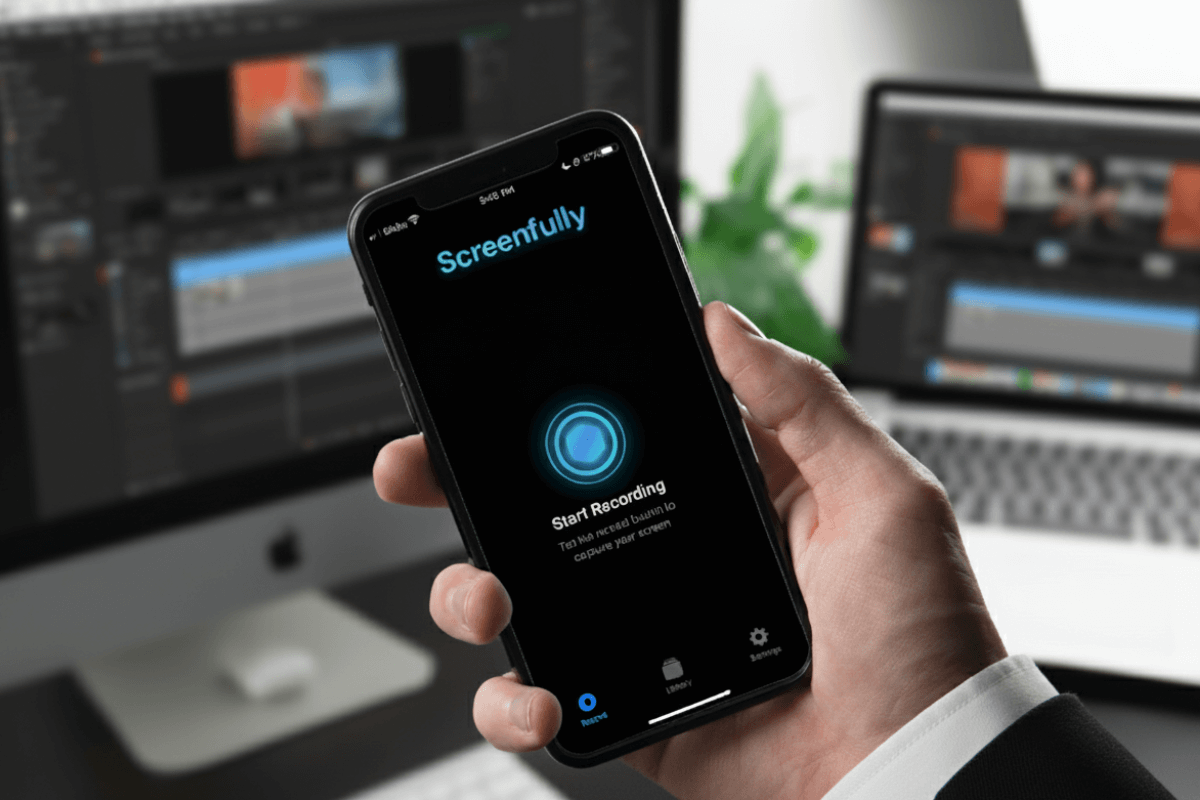
Everything Right on Your iPhone
Turn raw recordings into polished app demos, tutorials, and app previews in minutes. Record, capture screenshots, add face cam (upcoming), and export in HD, all without a Mac or desktop workflow.
- Record, edit, and export on your phone
- No Mac or desktop needed
- No file transfers
Designed for Speed
Fast Editing, Zero Complexity
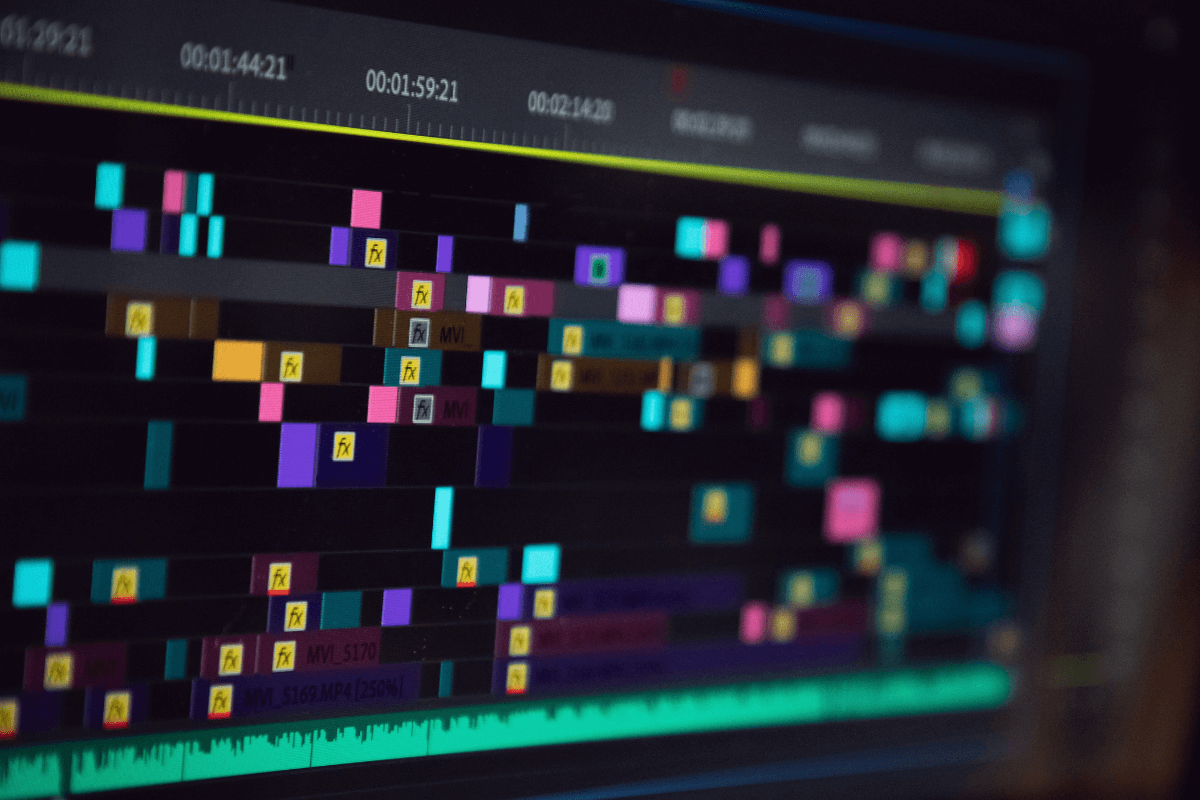
Trim recordings with a simple-to-use timeline and scrub with live preview for precise cuts. No editing skills required, just record, trim, template, and export.
- Trim with simple timeline
- Scrub with live preview
- No complicated tools
Make It Pop
Beautiful Templates & Screenshots
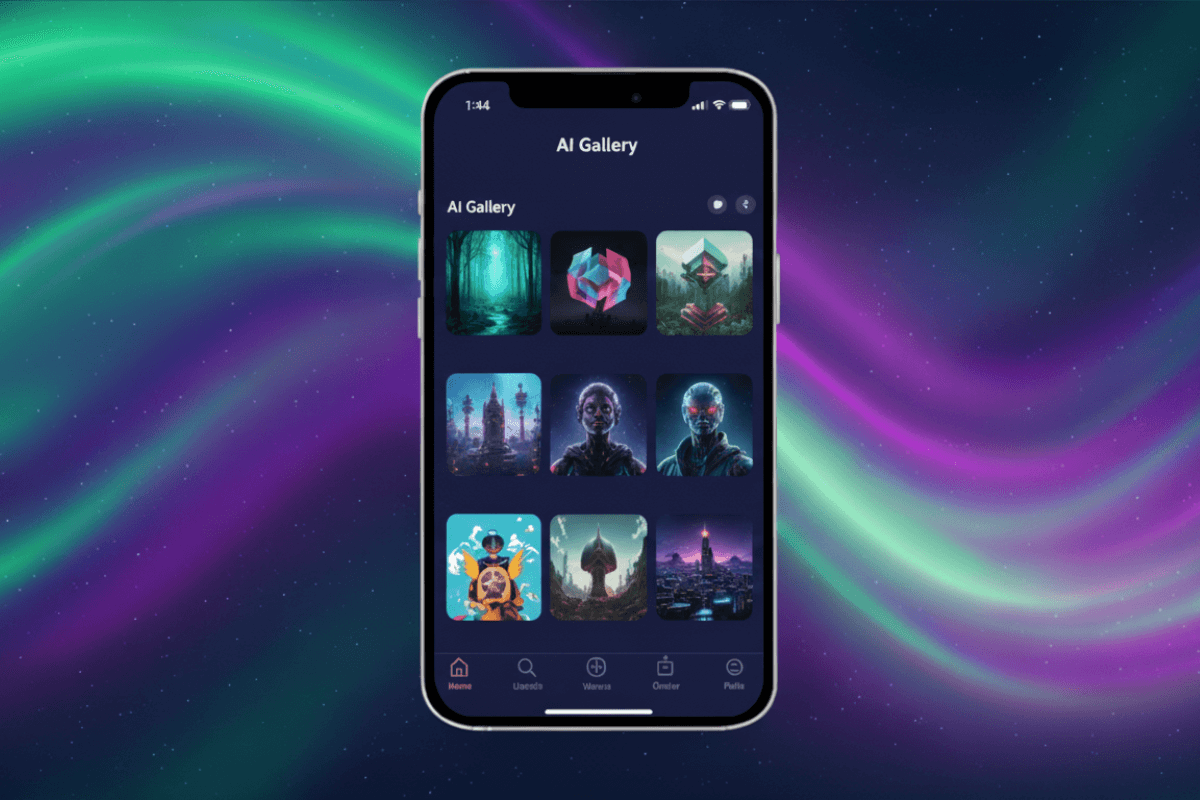
Apply ready-made templates instantly with device frames and cinematic effects. Plus, produce clean, high-resolution screenshots with custom backgrounds, padding, and corner radius.
- Device frames & cinematic effects
- Pro-grade screenshots
- Minimal, bold & aesthetic styles
Share Everywhere
Multiple Formats, Direct Share
Export in vertical, horizontal, or square formats ideal for TikTok, Instagram, YouTube Shorts, and App Store previews. HD export keeps your UI sharp and readable.
- Vertical, horizontal & square exports
- HD quality for key platforms
- Share straight to social apps
How It Works
3 Simple Steps to Create Beautiful Recordings
Step 1: Download & Install
Download Screenfully from the App Store or Google Play and install it.
Step 2: Record & Edit
Record then trim, choose a template, and customize other settings.
Step 3: Export & Share
Export then share directly to social media platforms or save to phone.
Pricing
Simple, Transparent Pricing
Free
- All Free templates
- All Free device frames
- All Free orientations
- Timeline trimming
- 720p export
- Share to social media
- Works offline & private
Start recording today
Monthly Pro
- Everything in Free
- All Pro templates
- All Pro device frames
- All Pro orientations
- Remove watermark
- Full HD 1080p export
Cancel anytime
Yearly Pro
- Everything in Free
- All Pro templates
- All Pro device frames
- All Pro export options
- Remove watermark
- Full HD 1080p export
Cancel anytime
Testimonial
People who love Screenfully
FAQ
Frequently Asked Questions
What makes Screenfully different?
Screenfully is the only mobile-first screen recording app with templates. Unlike desktop tools that require a Mac or computer, everything happens on your mobile phone. No Mac or desktop required. Plus, 100% on-device processing means complete privacy with no accounts, no cloud uploads, and no servers.
What can I use Screenfully for?
Perfect for app demos, product showcases, tutorials, promotional content, social media posts (TikTok, Instagram Reels, YouTube Shorts, X), portfolio pieces, App Store previews, bug reports, user guides, support documentation, and presentation videos.
Do I need video editing experience?
Not at all! Screenfully's templates and tools are designed for simplicity. Record, trim if needed, choose a template, and export. Quality results in seconds, no experience required. The timeline scrubbing is intuitive, and live preview shows your changes instantly.
How do I get started?
Simply download Screenfully from the App Store (iOS) or Google Play (Android), grant screen recording permissions when prompted, and you're ready to start recording. Tap the record button to begin capturing your screen. No account or sign-up required.
What devices does Screenfully support?
Screenfully is available for mobile devices. For iOS, you need iOS 16.0 or later. For Android, you need Android 7.0 (API 24+) or later. Screen recording requires appropriate permissions which Screenfully will guide you through during setup.
Do I need an internet connection?
No! Screenfully works completely offline. All recording, editing, and processing happens on your device. You only need internet if you want to share directly to social media platforms or manage your subscription.
Is my data private?
Absolutely. All recording, editing, and processing happens on your device. We don't require accounts, don't upload videos, don't collect personal data, and don't use servers. Your recordings stay on your mobile phone. 100% on-device means complete privacy.
Can I use my subscription on multiple devices?
Yes! Your Pro subscription is tied to your Apple ID (iOS) or Google account (Android), not to a specific device. When you get a new phone or switch devices, use the "Restore Purchases" button in Settings to activate your subscription on the new device. Your subscription works on any device where you're signed in with the same account.
Do you have more questions? Contact us on X or by email.
You can also check other contact details at Contact Us
Ready to create beautiful screen recordings?
Download Screenfully today and join creators, developers, and founders who are showcasing their work beautifully.